Features
Great videos.
No editor required.
Everything you need to turn a topic or a deck into a narrated video — AI slides, recording, captions and sharing — in an app simple enough to open on a Monday morning.
AI-Powered Creation
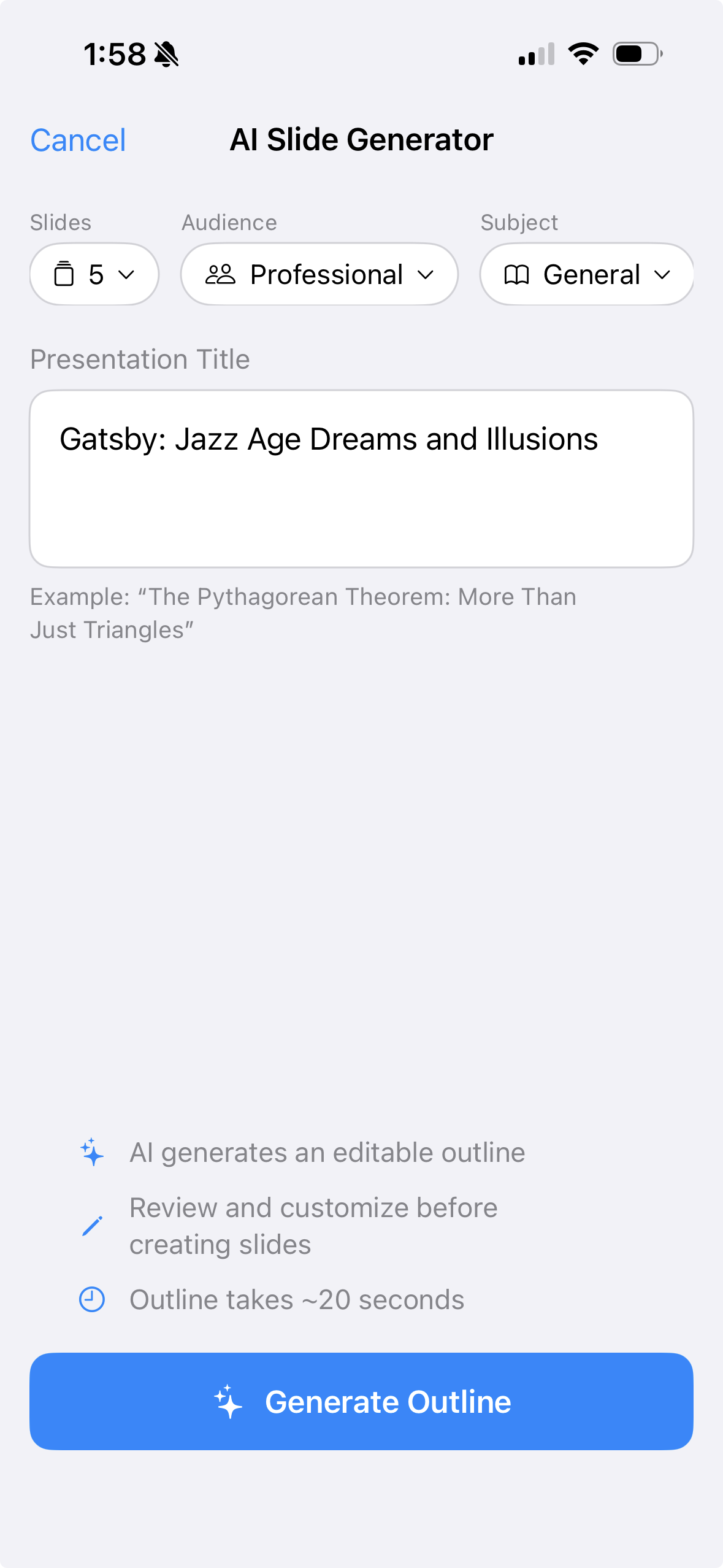
Type a topic, pick an audience, hit Generate. A complete slide deck — visuals and all — appears in about 20 seconds.
Record Without Thinking
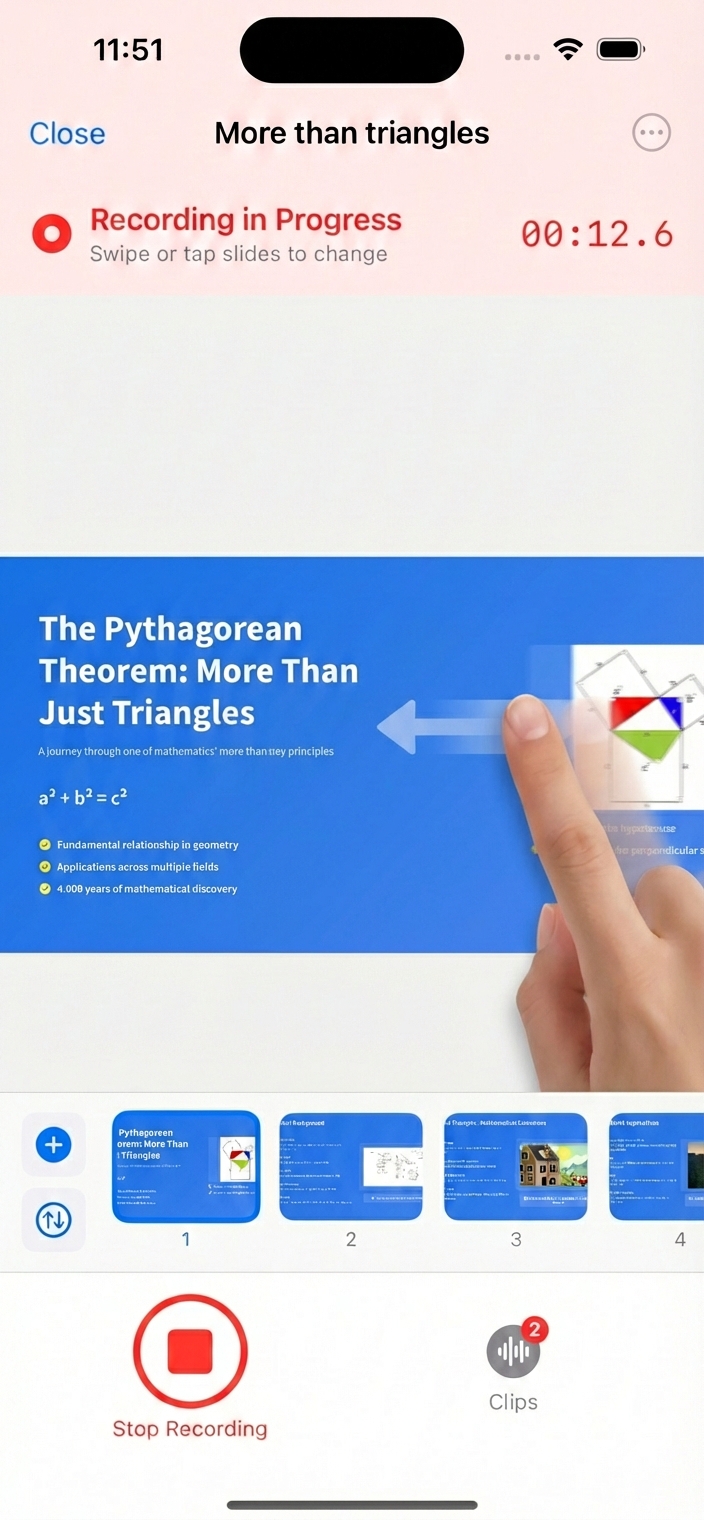
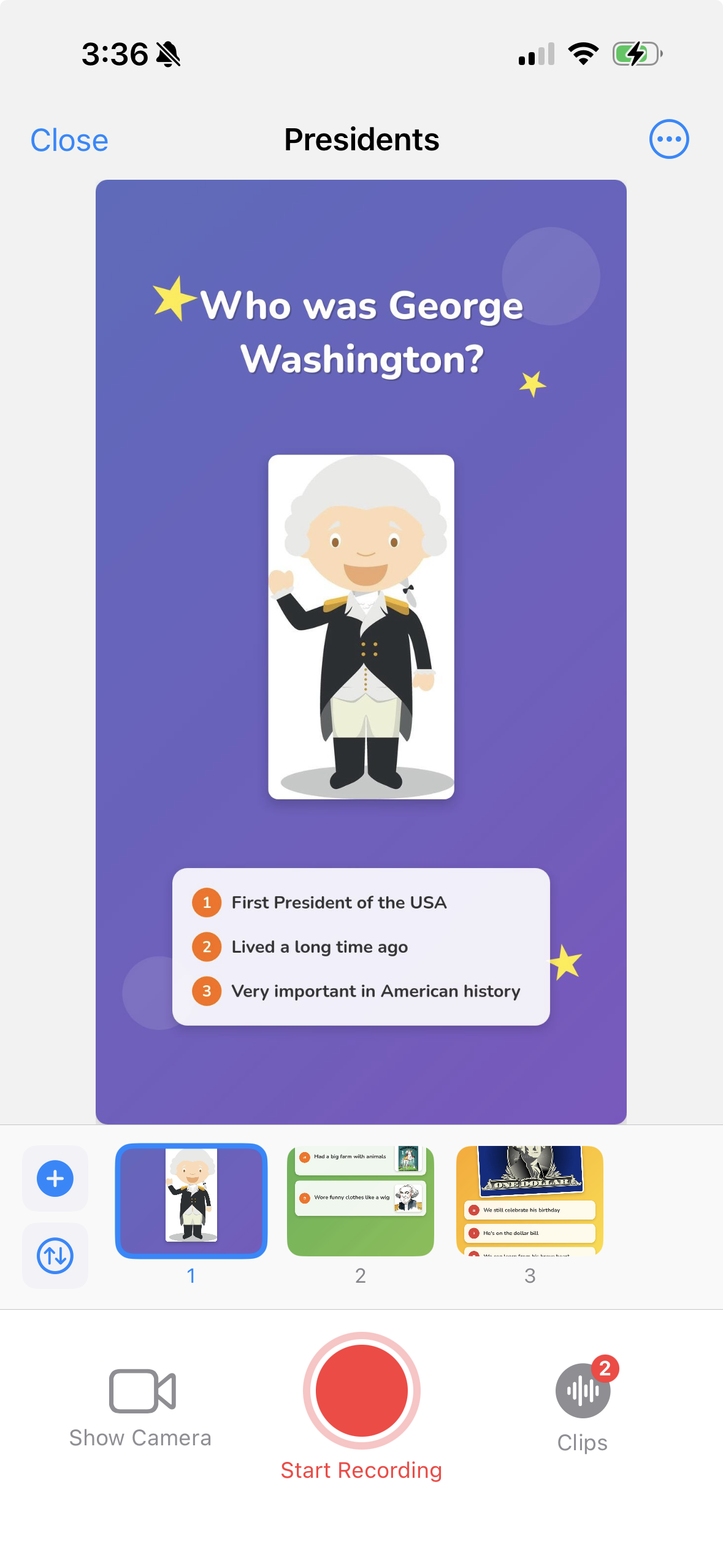
Tap record and swipe through your slides as you talk. 30hands captures your voice and slide timing automatically — clip by clip.
Share Anywhere
Export an MP4 in portrait or landscape, or publish a shareable web link. Subtitles baked in with one checkbox.
No deck yet?
Start with a topic.
Type a topic and pick your audience — professional, college or general — and 30hands builds a complete, visually rich slide deck in about 20 seconds.
Every deck is fully editable. Swap images, rewrite text, reorder slides. The AI gives you a head start; the rest is yours.
Your slides.
Your way.
A clean, intuitive editor built for speed. Import a PDF (export your PowerPoint or Keynote deck first), pull from Google Slides, grab photos from your camera roll, or start from scratch.
Rearrange slides, swap images, edit text. Everything you need, nothing you don't.

Forget the
timeline.
Most video tools make you wrestle a timeline. 30hands works differently. Tap record, talk through your slides — each recording becomes a clip, automatically tied to the slides you swiped through.
Not happy with a clip? Delete it and record that section again. No trimming. No keyframes. No regret.
Done.
Now share it.
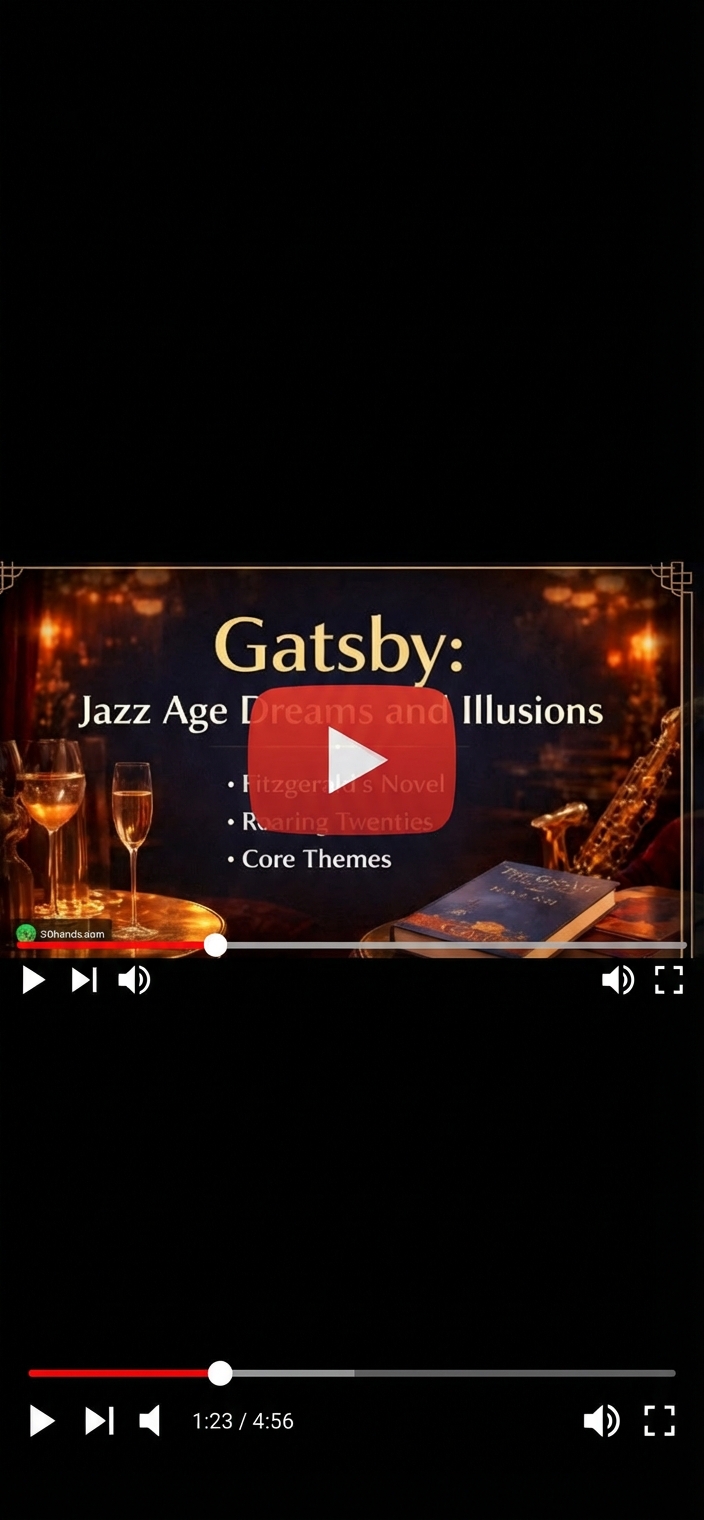
Save directly to your Photos as an MP4 — landscape for your LMS, YouTube and meeting-room screens, portrait for phones and social. Check one box to burn in accurate, AI-generated subtitles.
Or skip the download. Publish your video to a shareable web link — anyone can watch instantly, no account required.
Also included
Everything else you need
Project Library
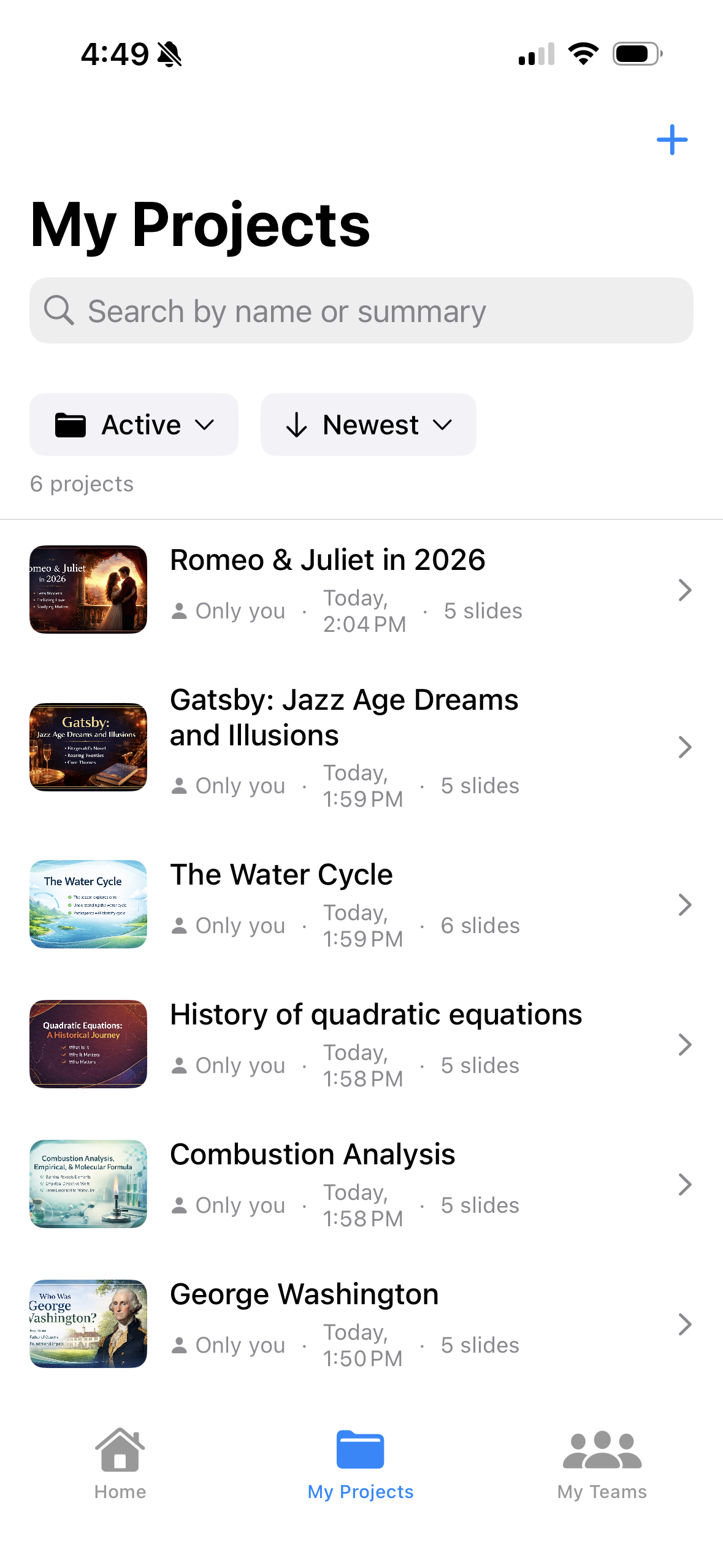
All your videos in one place. Create, organize, and manage your full library from a clean, thumbnail-first view.
Teams
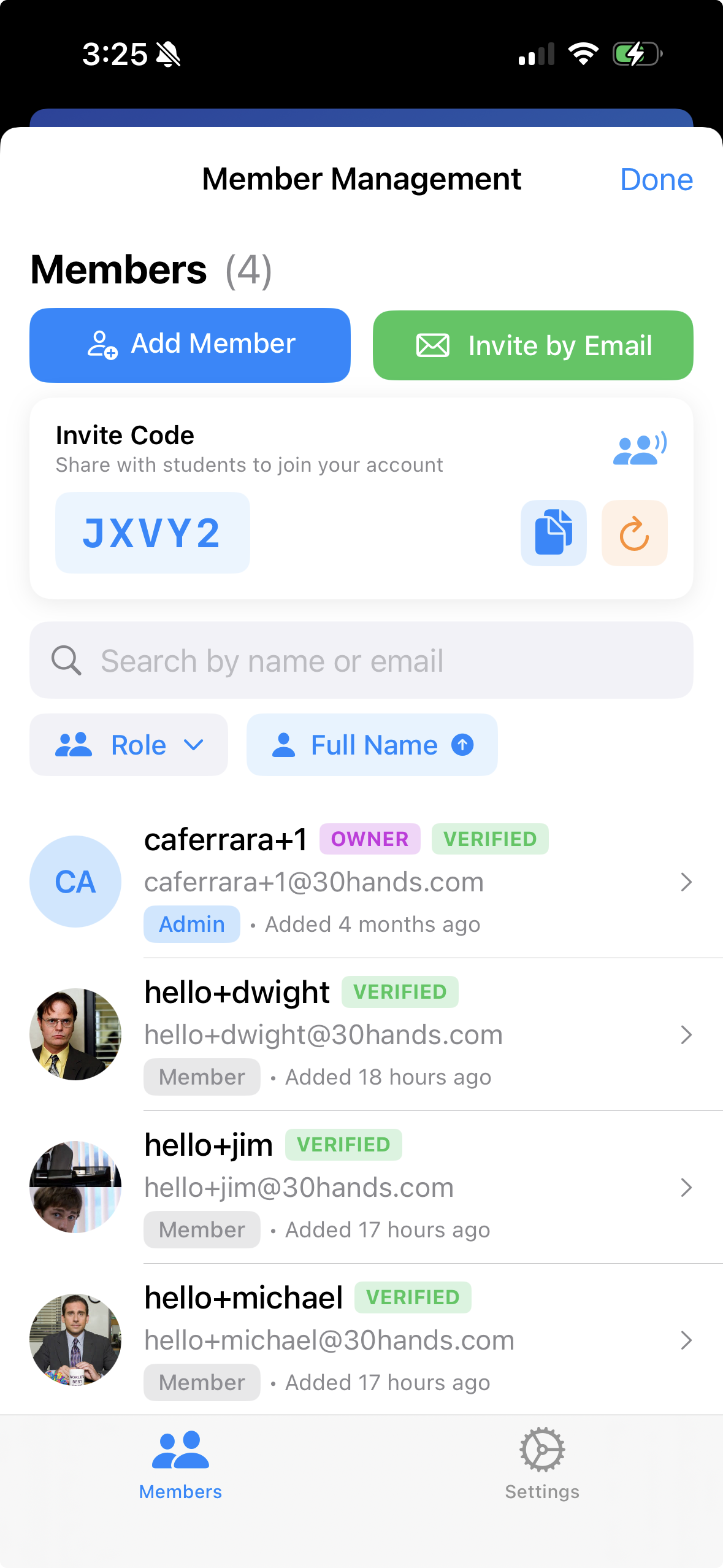
Invite colleagues and collaborate on content. One subscription covers everyone you invite, and an invite code brings in a whole department in seconds.
Audience-Aware AI
A new-hire overview should look very different from a college lecture. Pick the audience and the AI adjusts tone, visuals, and complexity accordingly.
Viewer Analytics
Share a web link, then check the web app to see how many people watched, how long they watched, and how much they finished. Know which content actually lands.
Auto-Subtitles
Check one box at export. 30hands transcribes your narration and burns accurate subtitles directly into your video — no extra steps.
AI Credit Top-Ups
Need more AI slides mid-month? Buy a credit pack as a one-time purchase. Credits never expire and stack with your monthly allowance.
Platform
Create on iPhone and iPad.
Manage from any browser.
The iOS app is where you create — AI slides, imports, recording, captions and export. The web app is a companion for managing projects, checking views and sharing links from your computer.
- AI Slide Generator
- Full slide editor
- Clip-based recording & editing
- Import PDF, Google Slides, photos
- Export MP4 — portrait & landscape
- Auto-subtitles on export
- Shareable web links
- Teams & collaboration
- Offline recording
- Pro & Pro+ subscriptions via App Store
- AI credit top-up packs
- Open and manage your projects
- Add slide images
- Record narration in the browser
- Review and manage clips
- Export MP4
- Shareable web links
- Viewer analytics
- Teams
Ready to make
your first video?
It takes about five minutes. The second one takes two.