Comparison · Synthesia
A Synthesia alternative with your own voice
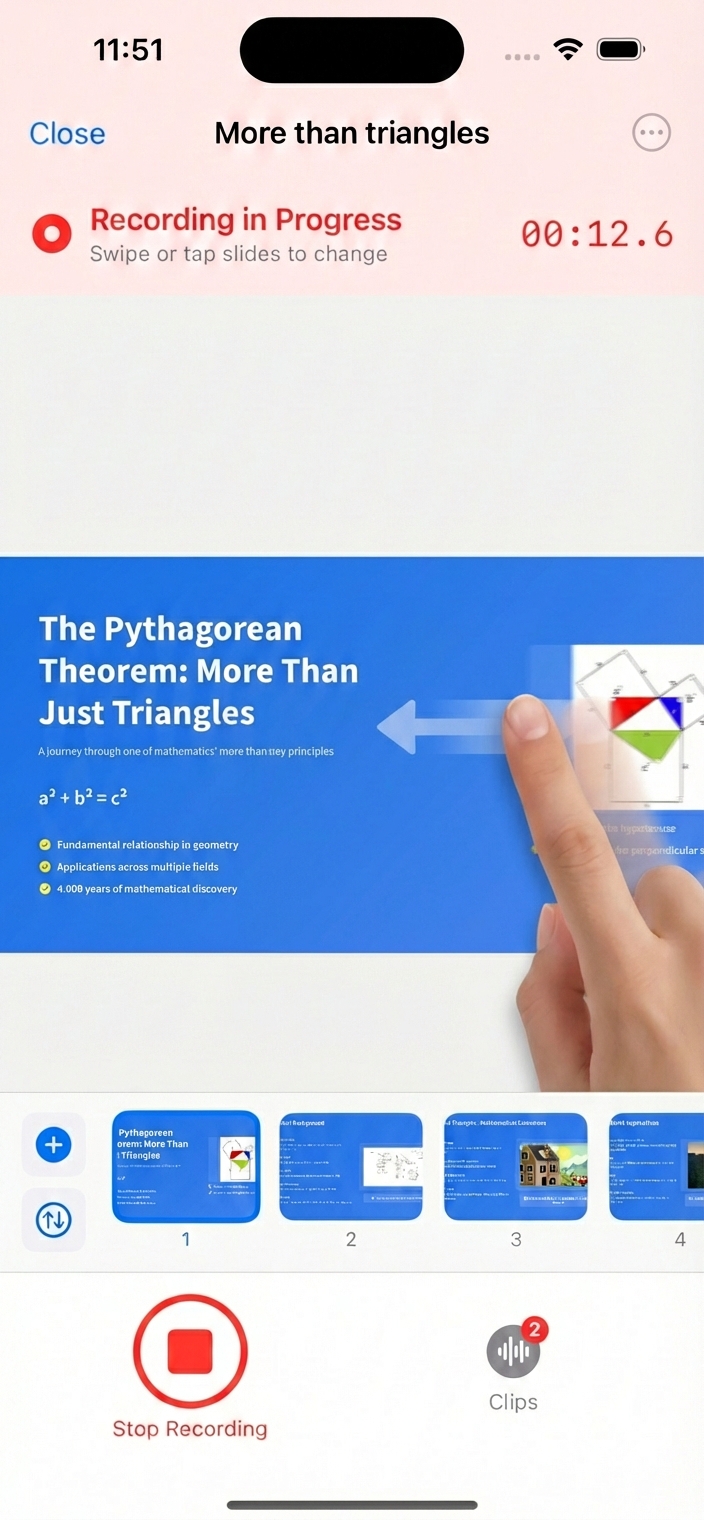
Synthesia turns scripts into videos with AI avatars and AI voices. If you'd rather your team hear from a real person — you — 30hands turns a topic or a deck into slides you narrate yourself, on your iPhone or iPad.
Synthesia vs. 30hands at a glance
Both make training videos. The difference is who does the talking.
Best for
Synthesia
Presenter-style videos with AI avatars, in many languages
30hands
Slide videos narrated by the actual expert
Who you hear
Synthesia
AI voices (1,000+) reading your script
30hands
You, recorded as you present
Who you see
Synthesia
An AI avatar (240+ stock avatars)
30hands
Your slides, plus your camera if you turn it on
You start from
Synthesia
A written script
30hands
A topic, a PDF, a Google Slides deck or photos
Languages
Synthesia
160+ AI languages
30hands
Narrate in any language; auto-captions are English for now
Runs on
Synthesia
Web browser
30hands
iPhone and iPad, plus a web companion
Price
Synthesia
Free plan (about 10 min/month, no downloads); paid from $29/month, or $18/month billed yearly
30hands
Free to start; Pro $7.99/month or $59.99/year
| Feature | Synthesia | 30hands |
|---|---|---|
| Best for | Presenter-style videos with AI avatars, in many languages | Slide videos narrated by the actual expert |
| Who you hear | AI voices (1,000+) reading your script | You, recorded as you present |
| Who you see | An AI avatar (240+ stock avatars) | Your slides, plus your camera if you turn it on |
| You start from | A written script | A topic, a PDF, a Google Slides deck or photos |
| Languages | 160+ AI languages | Narrate in any language; auto-captions are English for now |
| Runs on | Web browser | iPhone and iPad, plus a web companion |
| Price | Free plan (about 10 min/month, no downloads); paid from $29/month, or $18/month billed yearly | Free to start; Pro $7.99/month or $59.99/year |
Synthesia details from synthesia.io/pricing, September 2026. Check synthesia.io for current plans.
Which one should you use?
Choose Synthesia if…
- You want a presenter on screen without recording anyone.
- You need the same video in many languages.
- You work from written scripts and want AI to read them.
Choose 30hands if…
- You want learners to hear the real expert, not a synthetic presenter.
- Your content is slides — onboarding, compliance, lectures, explainers.
- You'd rather talk through a deck than write a script.
- You want to record on the iPhone or iPad you already have.
Why your own voice
People listen to people
A new hire hearing their manager explain the process, or students hearing their instructor walk through a lecture, get more than the words: the emphasis, the asides, the "this part matters."
30hands keeps that and removes the hard parts. AI drafts the slides, you talk through them, and each take is a clip you can redo on its own.
Step-by-step guides: Google Slides to video · PDF to video · Camtasia alternative
Frequently asked questions
Does 30hands use AI avatars or AI voices?
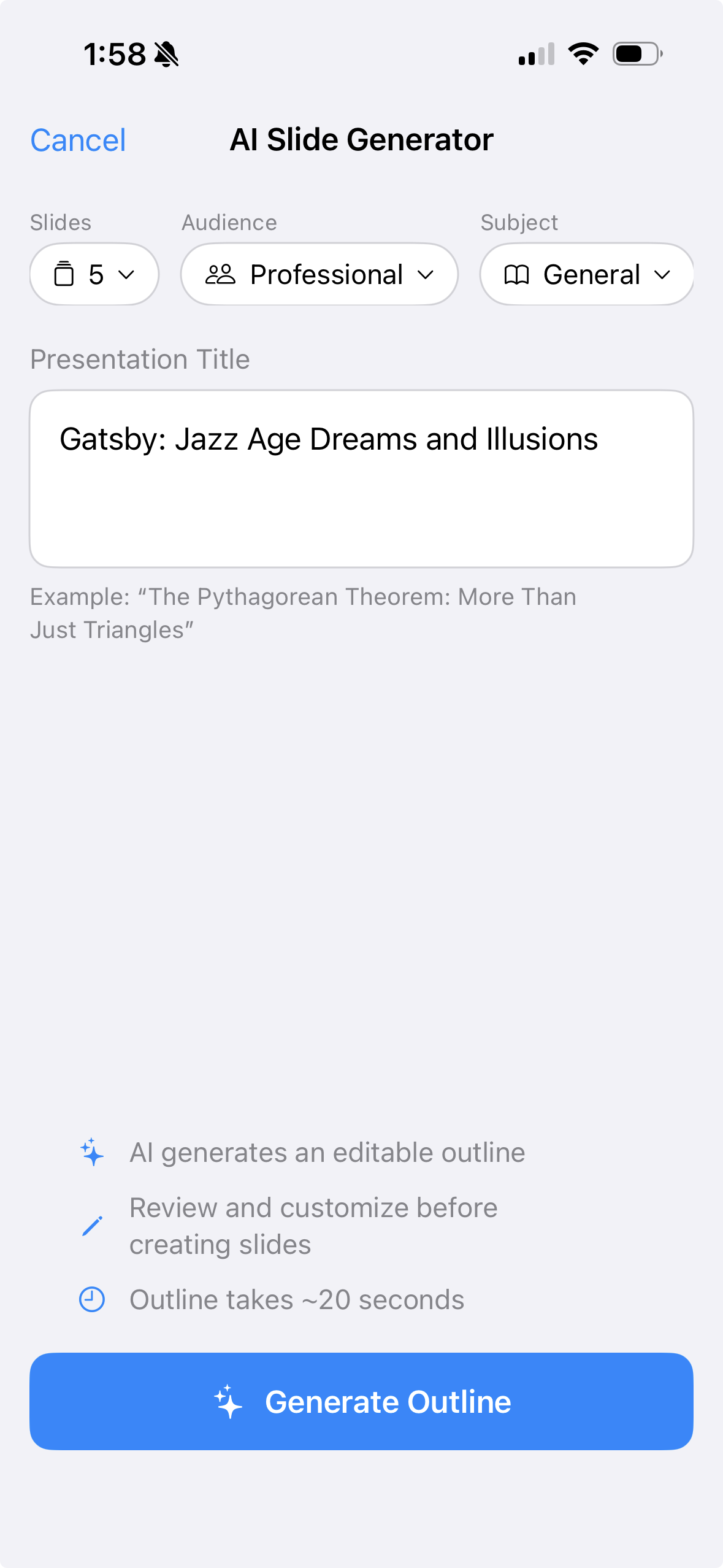
No. You narrate in your own voice, so learners hear the person who knows the material. AI helps with the slides instead: type a topic and 30hands drafts an editable outline and deck.
Can I appear on camera?
Yes. Turn on your camera while you record and your video appears alongside your slides in the export.
What languages does 30hands support?
You can narrate in any language you speak. Auto-captions currently transcribe English narration.
Do I have to write a script?
No. Most people talk through their slides the way they would present live. If you stumble, redo just that clip.
Can I use my existing decks?
Yes. Import a PDF (export PowerPoint or Keynote decks as PDF first) or a Google Slides deck, and every slide comes in ready to narrate.
How much does 30hands cost?
You can start free: 3 projects and videos up to 5 minutes, with a watermark. Pro is $7.99/month or $59.99/year; Pro+ is $14.99/month or $119.99/year. Subscriptions are billed through Apple.
See everything 30hands can do on the features page, or compare plans on pricing.
Skip the avatar.
Use your voice.
Free on iPhone and iPad. No card needed.
Synthesia is a trademark of its owner. 30hands is not affiliated with Synthesia.